
Adobe Photoshop
Adobe Photoshop is the raster graphics editor from Adobe for photo retouching and image editing. Version 2026 27.10 installs as a trial on Windows.
2.4 MB

Resize Image is a free Windows app from Get-the-solution for resizing one or many pictures at once, with File Explorer integration.
Average 0.0 · ratings: 0
Thank you! Your rating is saved; you can change it. Could not save the rating. Please try again later. Too many ratings from your network today. Please try again tomorrow. The average appears after 5 ratings.
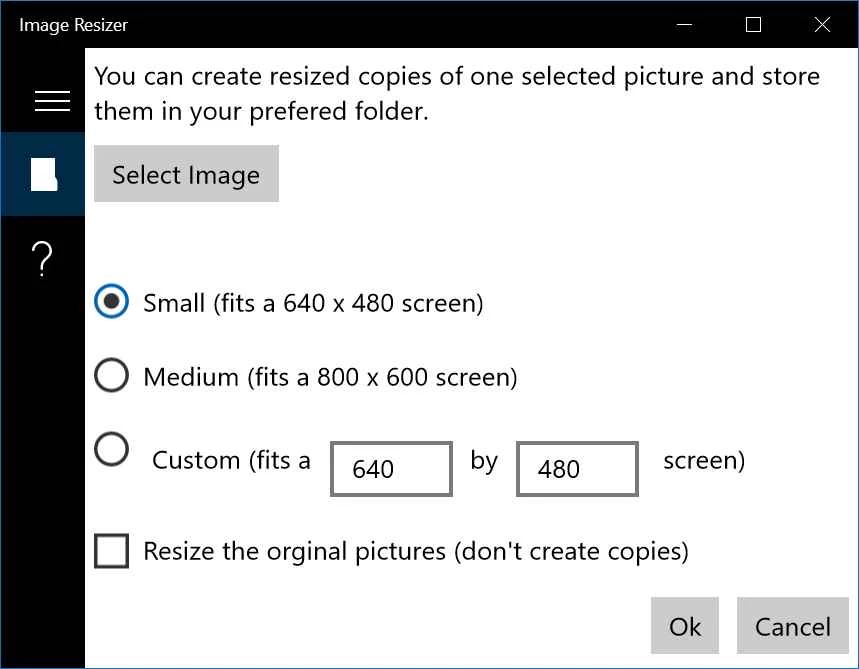
Resize Image 26.7.711.0 is a free Windows app from Get-the-solution for changing the size of pictures, one at a time or in batches. You download Resize Image when you need to shrink photos for email, a website or a form upload without opening a full image editor.
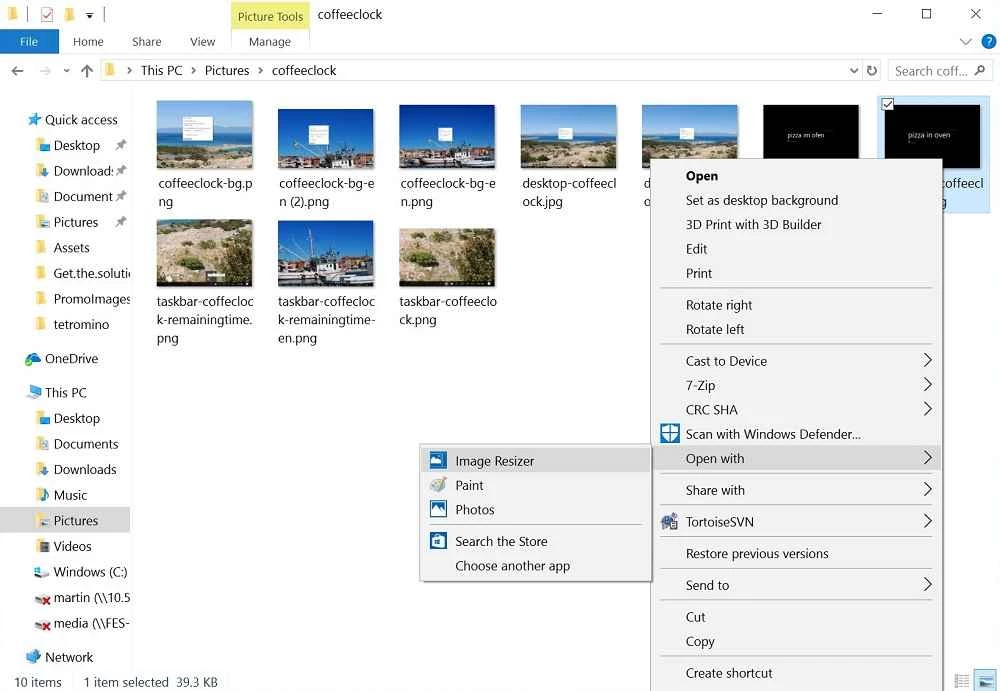
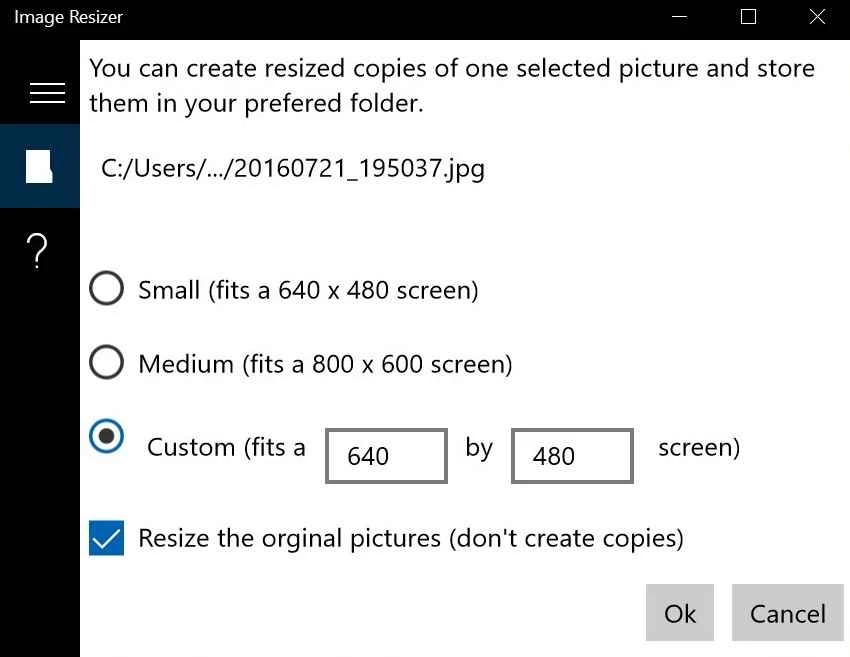
Photos from modern phones and cameras are large, and many services reject them or take ages to upload. Resize Image solves this with a small, focused interface. You select one or many files, choose a new size by percentage or by exact width and height, decide whether to keep the aspect ratio, and set the output quality for JPEG. The app can overwrite the originals or, more safely, save resized copies with a suffix or into another folder. It integrates with File Explorer, so you can right-click a selection of pictures and resize them without opening the app first. Common formats such as JPG, PNG, BMP, GIF and TIFF are supported, and the app can also convert between them. For people who regularly prepare product photos for a web shop, pictures for a blog or scans for official forms, this saves a lot of repetitive clicking in a heavy editor.
Resize Image runs on Windows and needs no special hardware. Batch jobs with many large photos benefit from a faster processor and an SSD.
For websites, a width that matches the layout of the page is usually enough, and moderate JPEG quality keeps files small without visible loss. For official forms, check the maximum file size and the required dimensions first, then resize once from the original instead of shrinking an already reduced copy again.
The app processes files locally on your PC; nothing is uploaded. Get it from the developer's page or the Microsoft Store listing it links to, and keep the originals until you are happy with the results.
Resize Image is free.
For editing as well as resizing, Photoscape and GIMP are on our site, Paint handles single images, and PicWish removes backgrounds.
Adobe Photoshop is the raster graphics editor from Adobe for photo retouching and image editing. Version 2026 27.10 installs as a trial on Windows.

Adobe Illustrator Online refers to using Adobe's vector design tool through the browser and Adobe's web services, with an Adobe account and plan.

Adobe Illustrator is Adobe's vector graphics editor for logos, illustrations and print design. This page covers Illustrator CC 2026, version 30.8, for Windows.

PicWish is an AI photo editing app for Windows that removes backgrounds, cleans up images and prepares product photos with a few clicks.

PixelLab is an Android app from App Holdings for adding text, stickers and effects to photos; on a Windows PC it runs through an Android emulator.
Adobe Photoshop CS6 is an older perpetual-licence version of Adobe's image editor for Windows; Adobe no longer sells or updates it, and today's Photoshop is subscription-based.